

Stay Cool!

Featured products
-

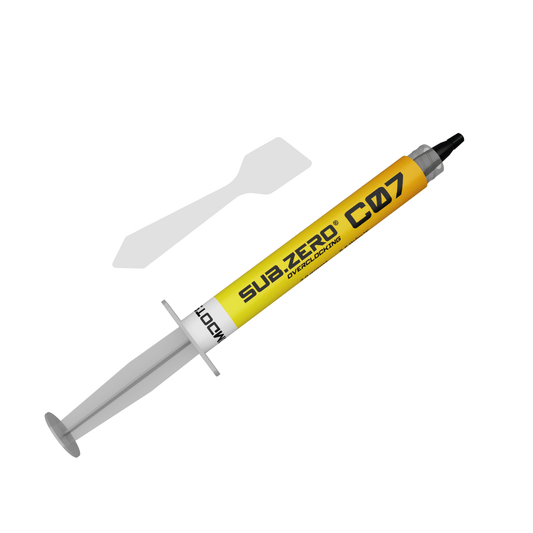
ATOMDOTS® C07 | Thermal Interface Material (Tim) | 6.6 W/m*K | Essencial Series (Non-conductive)
Vendor:AtomdotsRegular price From Rs. 199.00Regular priceUnit price perRs. 399.00Sale price From Rs. 199.00Sale -

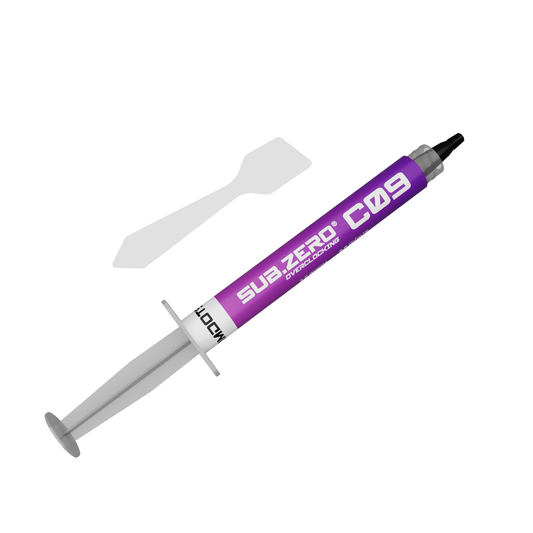
ATOMDOTS® C09 | Thermal Interface Material (Tim) | 8.6 W/m*K | Essential Series (Non-conductive))
Vendor:AtomdotsRegular price From Rs. 225.00Regular priceUnit price perRs. 499.00Sale price From Rs. 225.00Sale -

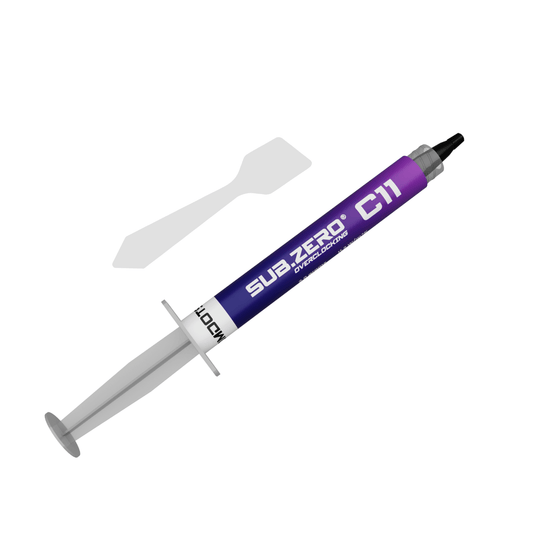
ATOMDOTS® C11 | Thermal Interface Material (Tim) | 11.2 W/m*K | Essential Series (Non-conductive)
Vendor:AtomdotsRegular price From Rs. 249.00Regular priceUnit price perRs. 599.00Sale price From Rs. 249.00Sale -

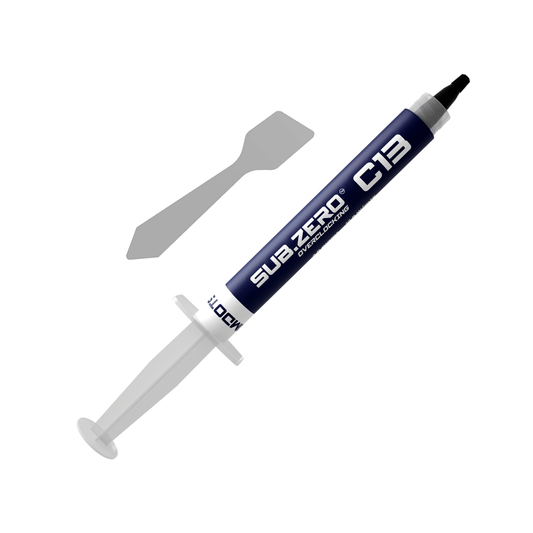
ATOMDOTS® C13 | Thermal Interface Material (Tim) | 12.8 W/m*K | Performance Series (Non-conductive)
Vendor:AtomdotsRegular price From Rs. 299.00Regular priceUnit price perRs. 599.00Sale price From Rs. 299.00Sale -

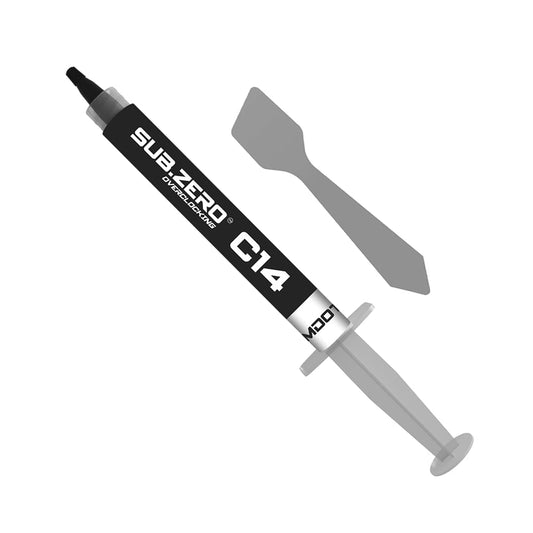
ATOMDOTS® C14 | Thermal Interface Material (Tim) | 13.6 W/m*K | Performance Series (Non-conductive)
Vendor:AtomdotsRegular price From Rs. 399.00Regular priceUnit price perRs. 999.00Sale price From Rs. 399.00Sale -

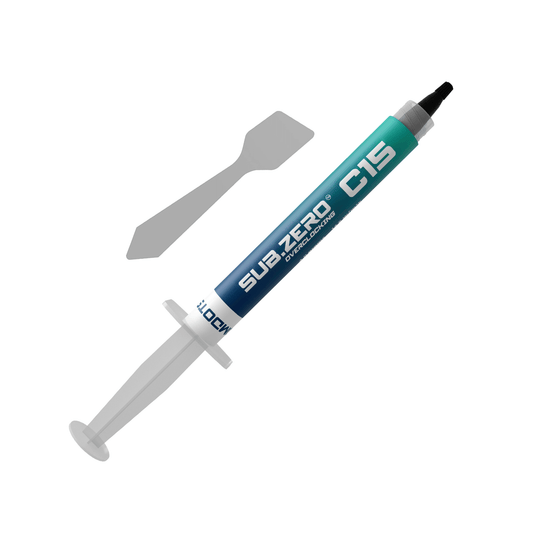
ATOMDOTS® C15 | Thermal Interface Material (Tim) | 14.6 W/m*K | Extreme Series (Non-conductive)
Vendor:AtomdotsRegular price From Rs. 449.00Regular priceUnit price perRs. 999.00Sale price From Rs. 449.00Sale -
ATOMDOTS® C18 | Thermal Interface Material (Tim) | 18 W/m*K | Extreme Series (Non-conductive)
Vendor:AtomdotsRegular price From Rs. 799.00Regular priceUnit price perRs. 1,499.00Sale price From Rs. 799.00Sale -
ATOMDOTS® M79 - Liquid Metal Thermal Interface Material (Tim) | 79 W/m*K | Extreme Series (Conductive)
Vendor:AtomdotsRegular price From Rs. 999.00Regular priceUnit price perRs. 1,599.00Sale price From Rs. 999.00Sale


CPU Cooler
The device that keeps your CPU running at optimal temperatures. CPU coolers usually use air or liquid to relocate the heat created by the operation of the CPU.
Central / Graphics Processing Unit (CPU/GPU)
The information processing center of a PC. It executes all operational instructions and sends instructions to the other hardware in the computer. If the computer is a body, then the CPU is the brain, and it is absolutely critical to the functioning of any PC. Modern CPUS execute a high volume of operations per second, and this generates heat. In order for a CPU to operate at peak efficiency, it needs to be properly cooled, usually with a cooling apparatus designed just for this purpose. This is where thermal paste becomes important. If you'd like to learn more about how a CPU is made, you can read more about the manufacturing process.
Integrated Heat Spreader (IHS)
The metal "lid" of the CPU. This serves as a heat sink designed to distribute heat from the processor itself to a CPU cooler, as well as provide protection to the processor inside. This is the part of the CPU that is still exposed after being installed in a motherboard, and is the surface to which you apply thermal paste.
Base-Plate
The metal base of an air-cooler that attaches to the IHS of the CPU. This design allows the transfer of heat through convection to the fins of the heat sink, where it can then be redistributed with a fan.
Water-Block
The apparatus that attaches to the IHS when using an All-in-One (AIO) liquid cooler or a custom cooling loop. It transfers heat from the IHS to the heat transfer fluid, which then relocates that heat to be redistributed by fans at a radiator.
Thermal Interface Material (TIM)
A silvery-gray substance that you apply to a processor before installing a cooling solution. It allows for an efficient transfer of heat from the IHS of the processor to the base plate or water block of the CPU cooler that is designed to dissipate that heat.

Thermal Paste (Non-conductive)
C Series
Safe for all builds. No risk of electrical shorts — ideal for first-time builders and experienced builders alike. Seven compounds spanning entry-level to extreme, each precisely formulated for its thermal conductivity rating. Up to 18 W/m·K.

Liquid Metal (Conductive)
M Series
For builders who've exhausted what paste can do. M series liquid metal compounds deliver a level of thermal conductivity that no conventional paste can match — engineered for delidded CPUs, extreme overclocking, and builds where every degree matters. Up to 90 W/m·K.
Liquid metal is electrically conductive. Do not use on aluminium heatsinks. Apply with care and follow our application guide — not recommended for beginners.

upto 11.2 W/m·K
Essential Series
C07, C09, C11. Everyday builds, budget-conscious upgrades, first-time builders. Non-conductive and safe to apply.

12.8 – 13.6 W/m·K
Performance Series
C13, C14. Gaming PCs and workstations that run under sustained load. Noticeably lower temps than stock paste.

14.6 – 18 W/m·K
Extreme Series
C15, C18. High-end gaming rigs, content creation, and thermal-critical workloads. Our top non-conductive compounds.
M79, M90. Maximum conductivity for delidded CPUs and extreme overclocking. Conductive — follow application guide carefully.